
Blogs

Mount & Blade II: Bannerlord Server Hosting
January 18, 2025
7 Cybersecurity Trends for 2025 According to IBM
January 22, 2025
on
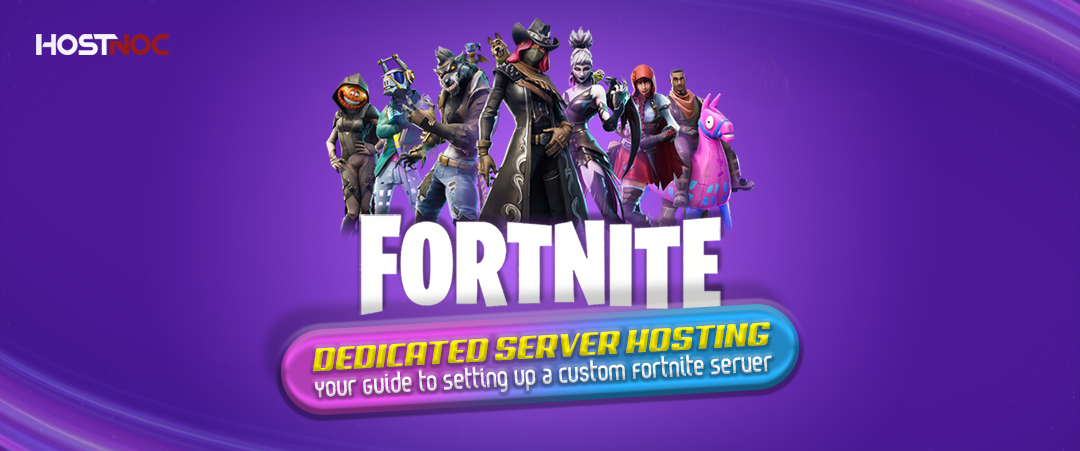
No Lag Fortnite Dedicated Server Hosting: Updated 2026 Guide
For avid Fortnite players who want a customized experience and complete control over their game, Fortnite dedicated server hosting is the perfect solution. Hosting a dedicated server allows players to enjoy a smooth, lag-free gaming experience with the ability to modify game settings, run private matches and manage server configurations.
This guide will explore everything you need to know about Fortnite dedicated servers including how to set one up, the benefits and how to choose the best hosting provider.
Why Choose a Fortnite Dedicated Server?
A Fortnite Dedicated Server Hosting provides a level of control that public servers simply cannot offer. Here is why hosting a dedicated server can enhance your Fortnite experience:
Lag-Free Gaming:
By hosting your own server, you can ensure optimal performance and low latency. This means no more frustrating lag or server instability during intense matches.
Custom Rules and Settings:
Customize game modes, match settings, and other configurations to suit your preferences. Whether you want to change the spawn rate of items or create a private server for friends, the possibilities are endless.
Dedicated Resources:
Dedicated servers give you full access to server resources, ensuring that there is no shared load with other users. This results in a more stable and responsive gaming environment.
Enhanced Security:
Running your own server allows you to have full control over security, preventing malicious users from disrupting your matches and enforcing a fair environment.
Read more: How to Host A Dedicated Server for 7 Days to Die Game?
How to Set Up a Fortnite Dedicated Server?
Setting up a Fortnite dedicated server requires some technical knowledge, but with the right tools, it is a manageable task. Here is a step-by-step guide:
1. Choose Your Hosting Provider
The first step is to choose a hosting provider that offers Fortnite dedicated servers.
Look for one that provides:
- High-performance hardware for smooth gameplay.
- 24/7 support in case of any issues with your server.
- Scalability that allows you to upgrade resources as your server grows in popularity.
2. Install the Server Software
Once you have selected a hosting provider, the next step is installing the server software. Many hosting providers offer one-click installations or pre-configured Fortnite servers. However, if you prefer a manual setup, you can download the necessary server files from Epic Games and configure the server yourself.
3. Configure Your Server Settings
After installing the server software, you will need to adjust the configuration settings. These settings determine how the game will run on your server. You can modify various aspects such as:
- Match rules (e.g., time limits, team sizes, player limits).
- Game modes (e.g., Battle Royale, Creative mode).
- Server name and description to help players find and join your server.
4. Invite Players to Join
Now that your server is set up, share the server IP with friends or players you want to join. If you have made the server public, anyone can join, but you can also set up password protection for more control.
5. Monitor and Manage Your Server
Managing a Fortnite server involves keeping an eye on performance, monitoring player activity, and ensuring smooth operation. Many hosting providers offer control panels that allow you to restart the server, adjust settings on the fly, and check server health metrics.
Read more: 7 Server Trends You Should Keep an Eye on in 2025
Benefits of Hosting Your Own Fortnite Server
Hosting your own Fortnite dedicated servers offers numerous advantages:
Full Control:
You get to control the server settings, manage who can join and customize the experience.
Better Performance:
Dedicated servers offer superior performance compared to shared servers, minimizing lag and downtime.
Private Matches:
Run private matches with friends or create unique tournaments for your community.
Cost Efficiency:
Depending on the number of players and resources, hosting your own server may be more cost-effective in the long run compared to relying on public servers.
Read more: Skyrim Together Server: Bringing Multiplayer to Skyrim
Best Fortnite Dedicated Server Hosting
When selecting a provider for Fortnite dedicated servers, consider these key factors:
Performance:
Choose a provider with high-performance hardware to ensure a smooth, lag-free gaming experience.
Customization Options:
Look for providers that allow you to configure game settings, install mods, and manage server resources.
Uptime:
Ensure the provider has a solid reputation for uptime to avoid unexpected server outages.
Support:
24/7 customer support can help resolve any issues quickly and minimize downtime.
Conclusion
Setting up your own Fortnite Dedicated Server Hosting gives you complete control over the gameplay experience. Whether you are hosting private matches with friends, building a community, or hosting tournaments, a Fortnite server ensures that you have the power and resources to tailor the game to your liking. By selecting a reliable hosting provider and configuring your server to match your preferences, you can enjoy an optimal, lag-free Fortnite experience every time.
Bring your A-game—our servers deliver the speed and reliability you need to conquer.
Cores
RAM
Storage
Location
Monthly Price
Link
Intel Xeon E3-1240 v6 3.7GHz 4c/8t
64 GB DDR4
2 x 500 GB (SSD SATA)
Amsterdam
$79.95 /month
Buy Now
Dual Intel Xeon E5-2670 2.60 GHZ Octa Core (16 cores)
256 GB DDR 3
Storage: 2 x 480 GB SSD
Florida
$259.95 /month
Buy Now
Dual Intel Xeon E5-2697 2.70 GHZ v2 (24 Cores / 48 Threads)
512 GB DDR 3
Storage: 2 x 480 GB SSD
Florida
$359.95 /month
Buy Now
Frequently Asked Questions About Fortnite Server Hosting

Can I host a Fortnite server for free?
While it is possible to host a Fortnite server for free, doing so will likely result in limited resources and potential lag issues. It is often better to opt for a paid Fortnite dedicated server hosting provider for better performance and support.
How many players can join my Fortnite dedicated server?
The number of players who can join your server depends on the resources (CPU, RAM and bandwidth) available. A typical Fortnite dedicated server can host up to 100 players but it is important to choose a hosting plan that meets your needs.
Do I need special software to host a Fortnite server?
Yes, you need server software from Epic Games to run a Fortnite Dedicated Server Hosting. Most Vps hosting providers offer a streamlined process with pre-configured server files but manual installation is also an option.
How much does it cost to host a Fortnite dedicated server?
The cost of hosting a Fortnite server depends on the provider and the server resources you choose. Prices can range from $10 to $50 per month, depending on the server’s specifications and the number of players you expect.
Can I install mods on my Fortnite server?
While Fortnite dedicated servers allow for some customization, the game’s modding community is limited compared to other titles. However, you can still adjust settings, create custom game modes and modify the gameplay to some extent.

Muhammad Osama
Muhammad Osama a qualified professional with ground-breaking experience in developing SEO campaigns, analytics, and monitoring the ranking in Google search pages. A clear communicator with an experience of digital marketing and improving brand search ranks.
Featured Post

Hidden ARK Survival Evolved Maps Features Nobody Shares
Table of Contents Key Takeaways: Understanding ARK Survival Evolved Maps The Island: Hidden Features on ARK’s Original Map Underwater Cave Layers Dynamic Spawn Zones Ragnarok: Secrets […]

saad ullah
December 31, 2025
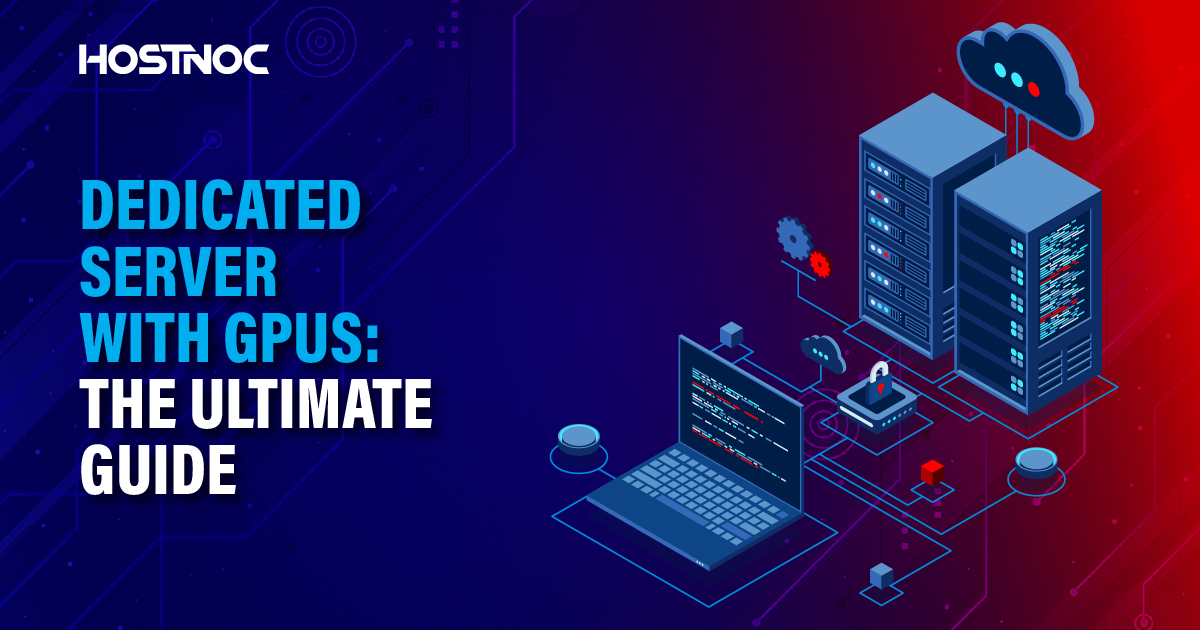
Dedicated Server With GPUs: The Ultimate Guide
There are various types of servers, each designed to cater to different workloads and use cases. Among these, dedicated server with GPU (Graphics Processing Unit) have […]

Sarmad Hasan
November 12, 2025
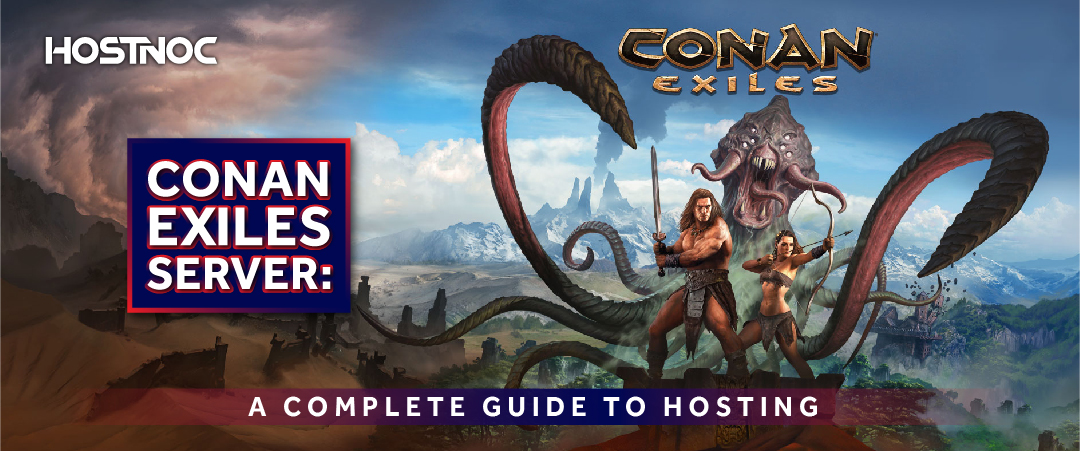
Conan Exiles Server: A Complete Guide to Hosting
Table of Contents Conan Exiles Server Hosting Options Self-Hosting a Server: Third-Party Hosting: Private Servers: Conan Exiles Dedicated Server Setup Download the Server Files: Configure the […]
Muhammad Osama
July 23, 2025





