
Blogs

AWS re:Invent 2025: 10 Biggest Announcements
December 5, 2025
Dedicated Server with DDoS Protection Guide
December 10, 2025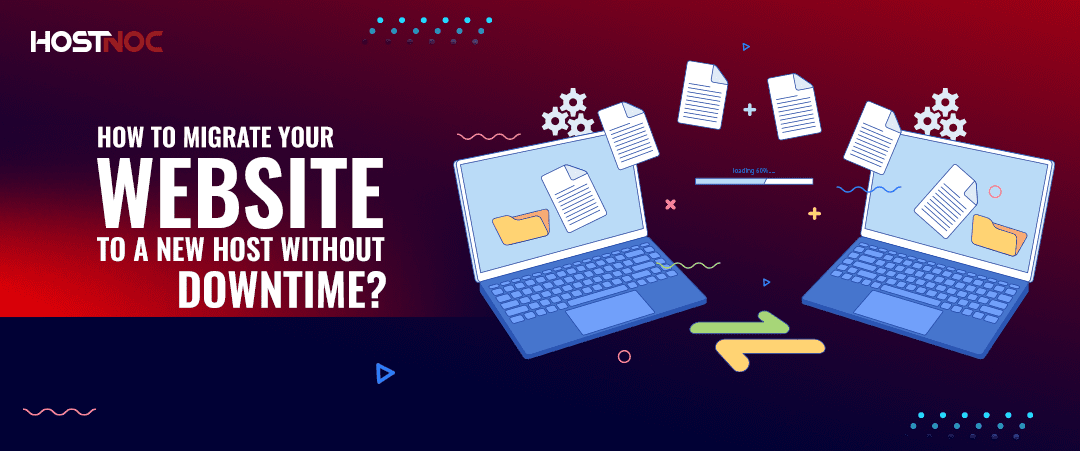
Website downtime during migration is one of the biggest concerns for site owners looking to switch hosting providers. Whether you are looking for better performance, more reliable support or cost savings, the idea of visitors encountering an error page or worse, losing data can be paralyzing.
As a seasoned web hosting provider who has overseen hundreds of smooth site migrations, HOSTNOC can help you migrate your website to a new host with zero to minimal downtime. The key lies in planning, timing and executing the move carefully.
In this guide, HOSTNOC will walk you through a step-by-step process to safely migrate your website to a new host, without interrupting your online presence.
Table of Contents
How to Migrate Your Website to a New Host Without Downtime?
Step 1: Choose the Right New Host
Before anything else, research and choose a reliable hosting provider that fits your site’s performance, storage and traffic needs.
Look for:
- 99.9% uptime guarantee
- 24/7 support
- Free migration services
- Compatible server technology
If your site uses a specific CMS like WordPress, make sure the new host is optimized for it.
Step 2: Back Up Everything
Never rely solely on your host’s backups. Use your own tools to create a complete backup of:
- Website files (HTML, CSS, images)
- Databases (MySQL, PostgreSQL)
- Email accounts
- .htaccess or configuration files
You can use tools like:
Step 3: Set Up Your Site on the New Host
Once your files and database are backed up:
- Log in to your new hosting account.
- Upload your website files via cPanel’s File Manager or File Transfer Protocol.
- Create a new database and import your old database backup.
- Update your configuration files (e.g., wp-config.php for WordPress) to reflect the new database details.
At this point, your website exists on the new server but it’s not “live” yet.
Step 4: Preview the New Site Before Switching DNS
Before updating your domain’s DNS settings, it’s crucial to test your site on the new host.
Here are a few options to preview your site without updating DNS:
- Use a temporary URL provided by your new host.
- Edit your local hosts file to point your domain to the new server’s IP (only on your computer).
This lets you ensure everything works: site functionality, links, database connections and speed.
Step 5: Update DNS Settings
Once the new site is fully functional:
- Log in to your domain registrar.
- Update your domain’s nameservers to point to your new host’s DNS.
- Alternatively, update the A Record to the new server’s IP address.
DNS changes can take up to 24-48 hours to fully propagate worldwide. During this time, some visitors may be directed to the old host and some to the new one.
Step 6: Don’t Cancel Your Old Hosting Yet
Keep your old hosting account active for at least 72 hours after DNS propagation starts. This ensures:
- No data is lost (e.g., form submissions during DNS switch).
- All visitors are served correctly during propagation.
Step 7: Monitor and Finalize
- Use tools like WhatsMyDNS.net to check DNS propagation.
- Test site speed, responsiveness and functionality.
- Check email services if you host email through the same provider.
- Once DNS fully propagates and the new site is running smoothly, you can cancel your old hosting.
Use a Staging Environment
If your site is highly dynamic or high-traffic (e.g., e-commerce), consider creating a staging environment to test the new setup under real-world conditions before going live. This is especially useful when integrating new tools like an AI video generator, which may introduce additional scripts or workflows that need proper testing.
Conclusion
Website migration does not have to be stressful or disruptive. With a careful, step-by-step approach and the right tools, you can transition to a better hosting provider with little to no downtime. If the process seems daunting, don’t hesitate to consult with a specialist who can handle the technical aspects for you, safely and efficiently.
How to Migrate Your Website to a New Host Without Downtime?? Share it with us in the comments section below.

Featured Post
9 Common Causes of Network Outages
Power-related issues remain the leading cause of major data center outages, responsible for 54% of cases according to Uptime Institute’s 7th annual outage analysis report, while […]

Sarmad Hasan
November 21, 2025

5 Common Negative Consequences of Downtime For Businesses
Table of Contents 5 Common Negative Consequences of Downtime For Businesses 1. Operational Inefficiencies 2. Rehostputation Damage 3. Higher Operational Costs 4. Revenue Loss 5. Loss […]
Sarmad Hasan
September 30, 2025

WHOIS Lookup: Everything You Need To Know
WHOIS, a portmanteau of “who is,” is a protocol used to query databases that store registration information about domain names and IP addresses. The WHOIS lookup […]

Hostnoc Editorial
January 5, 2024





